Unblur text in images online with AI
Restore blurred screenshots, PDFs, and photos. Unblur text online for free with Fast Mode, or use Pro Mode for heavy blur up to 4K and extract clear, readable words.
Try it now
Upload your blurry image and watch the magic happen
Upload Image
Drag & drop or click to upload (JPG, PNG, max 5MB)
Drop your image here or click to browse
Select Mode
Choose the restoration quality
Result
Your enhanced image will appear here
Upload an image and click restore to see the result
See the Difference
Drag the slider to compare before and after. Experience the power of AI text restoration.
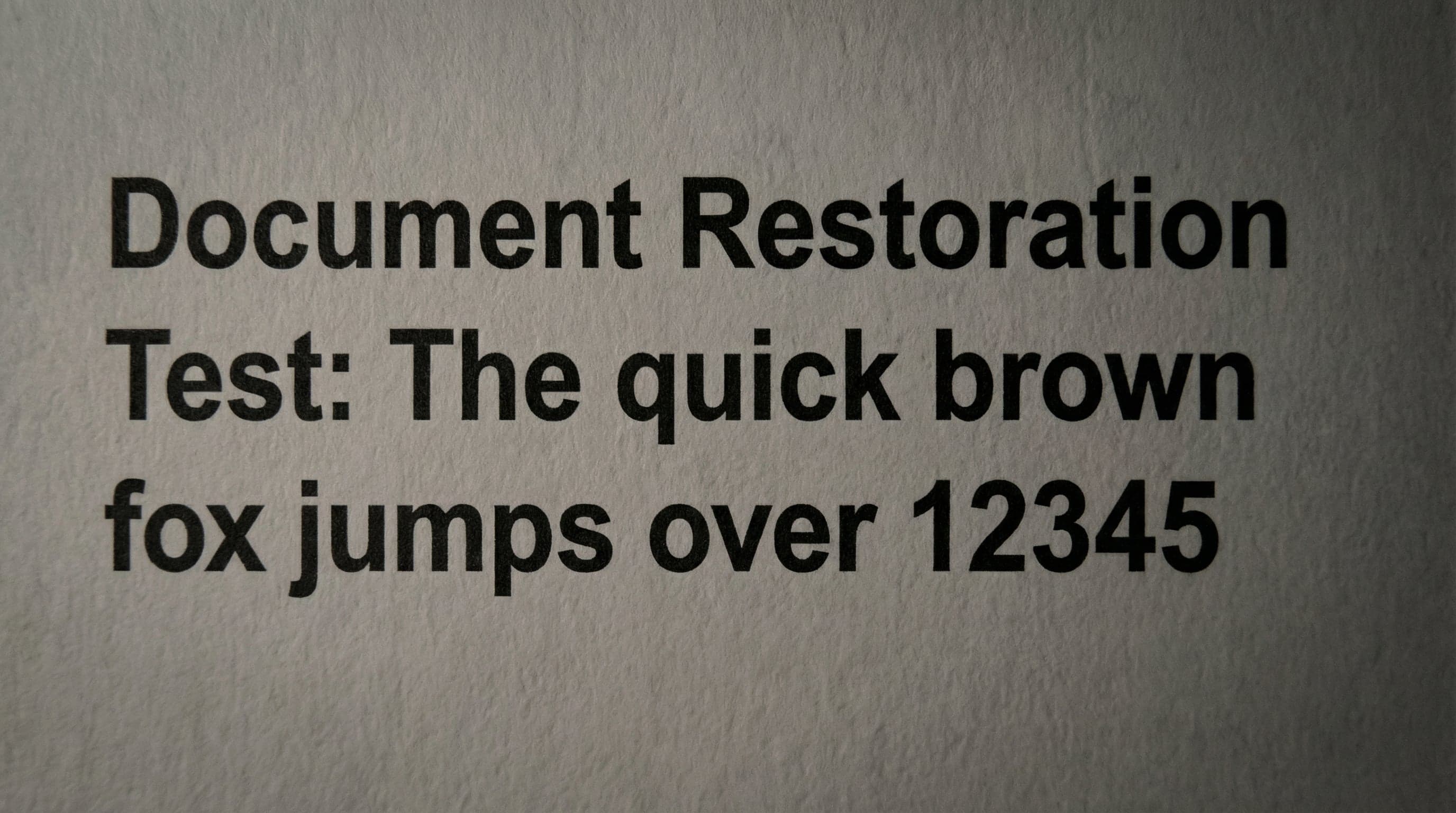
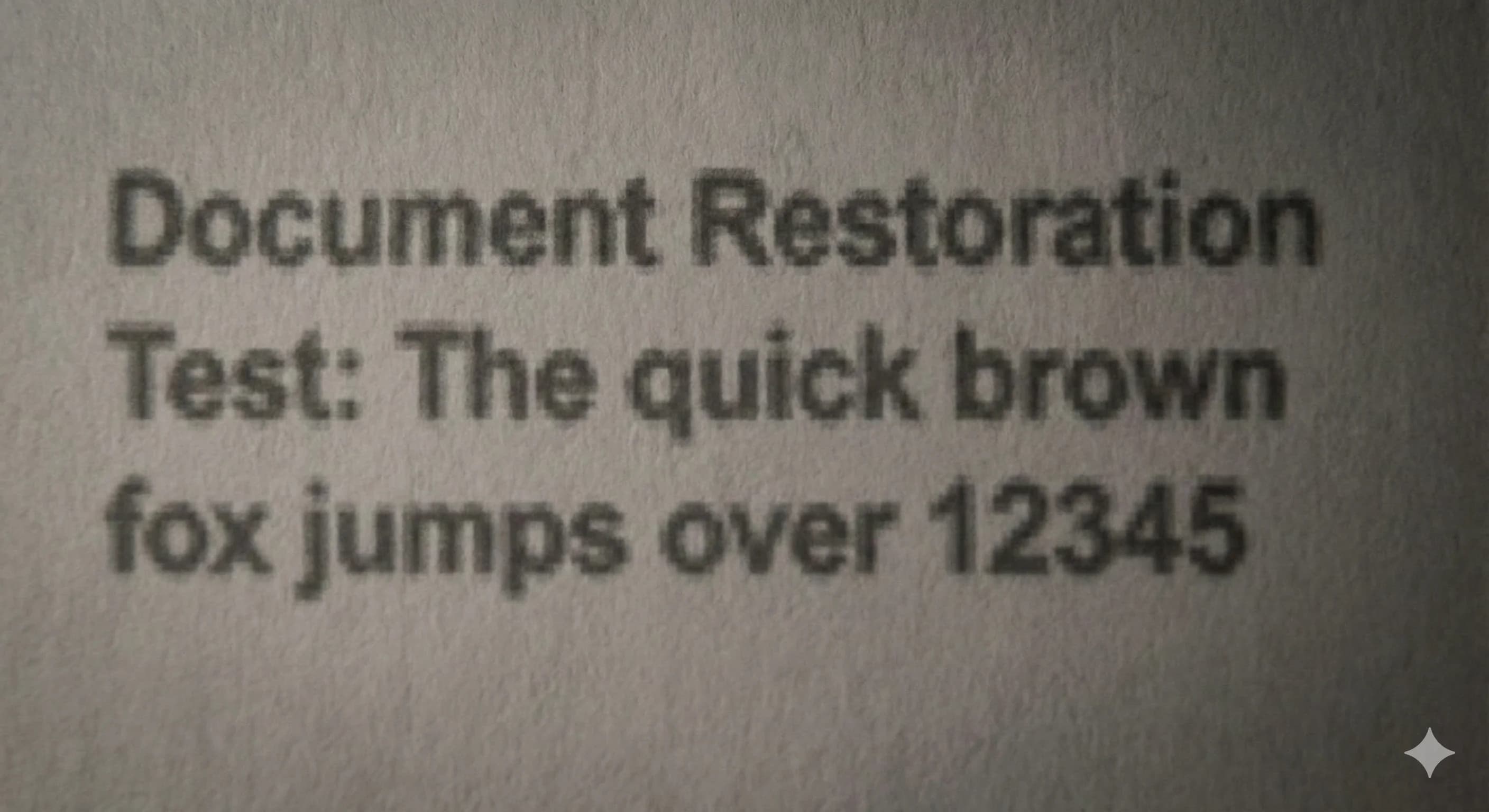
Document Text
Restore blurry documents to crystal-clear readable text with enhanced sharpness
Everything you need
Powerful features to restore and extract text from any blurry document
Fast Mode
Quick AI enhancement using Real-ESRGAN. Perfect for mildly blurry images that need a quick fix.
Pro Mode
Advanced AI deblurring. Handles heavily blurred documents with superior quality.
Smart OCR
Extracts text from restored images using Tesseract.js. Runs locally in your browser.
Before/After Slider
Compare the original and restored images side by side with an interactive slider.
One-Click Copy
Copy extracted text to clipboard instantly. Edit in the text panel if needed.
Download Enhanced
Download your restored, crystal-clear image in high quality.
How it works
Three simple steps to crystal-clear documents
Upload Image
Drag and drop or click to upload your blurry image. Supports JPG and PNG up to 5MB.
Choose Mode & Process
Select Fast Mode for quick fixes or Pro Mode for heavy deblurring. Our AI handles the rest.
Get Results
View the before/after comparison, copy the extracted text, or download your enhanced image.
